

Laetass
2022 2020 Laetass Keyboard iPad Air 5th iPad Air 4th 109 Leather
2022 2020 Laetass Keyboard iPad Air 5th iPad Air 4th 109 Leather
Couldn't load pickup availability
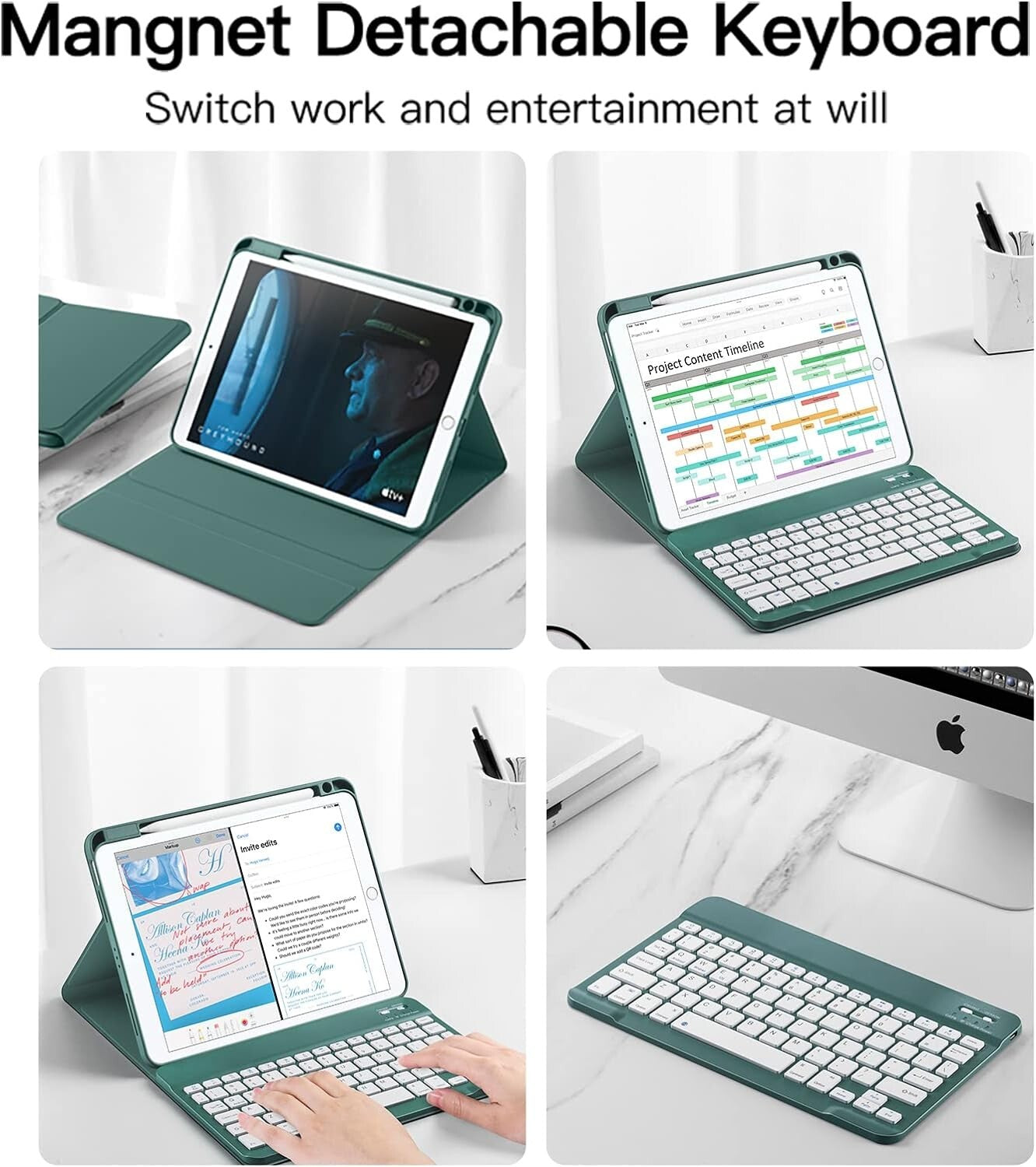
Keyboard Case for iPad Air 5th 2022 / iPad Air 4th 2020 10.9inch, Leather Stand Cover with Built-in Pencil Holder, Magnetic Detachable Wireless Bluetooth Keyboard (Green)
- 【iPad Air 10.9 Keyboard Case】 iPad keyboard case is compatible with iPad Air 5th Generation 10.9inch 2022 / iPad Air 4th Generation 2020. Please check the back of your iPad to confirm the model. (The package does not contain iPad and pencil).
- 【Magnetic Detachable Keyboard】 Detachable Bluetooth keyboard with magnetic case that transforms your iPad into a laptop in less than a second. Scissor foot design of the keys. helping you to type faster and with less error than on a touchscreen.
- 【Long Life Battery】 Built-in premium Li-ion battery with energy-saving mode, 2-3 hours full charge, work for at least 80 hours, stand by for 130 days. Please charge it when keyboard power indicator flashing Red.
- 【Full Body Protection/Precise Cutouts】 Precise cutouts allow full access to all features and offer the perfect protection, convenience for daily use. Effectively extend life of your beloved iPad. Solid keyboard case give comprehensive protection for your iPad case with keyboard from scratches and damage.
- 【Pencil Holder】 Built-in Apple Pencil holder, cap & adapter slots, grab your Apple Pencil, easily to carry and use.
- 【Auto Sleep/Wake】 To save battery life, Smart cover put your iPad sleep automatically when shut (ONLY works without the Keyboard).


Instructions for use
|
|
|
|
|---|---|---|
Step 1: (Check the device)Turn the switch to ON, and the Power indicator lights up for three seconds to indicate that it has been successfully powered on and has power. If the light cannot be turned on, please connect the charger. After the connection is completed, the power indicator lights up red, indicating that the keyboard is operating normally, please don't worry, it will be ready to use after charging for a while |
Step 2: (Connect to Bluetooth)Make sure your iPad or mobile phone Bluetooth is turned on, press the Connect button, the WiFi indicator keeps flashing blue light, you can search for the device name: Bluetooth keyboard, the indicator turns off after the connection is successful, it's ready to use, if the keyboard you received cannot be used, we will protect your rights |
Step 3: (Charging and maintenance)When you find that the power indicator light starts to flash at work, it means that your keyboard needs to be charged. It is recommended that the charging time is two hours. The power light flashes red when charging, and the power indicator will turn off when fully charged, which can be determined according to the use environment |


|
|
|
|
|---|